
Claude Code Remote Control Changes Everything
8 min read0 views
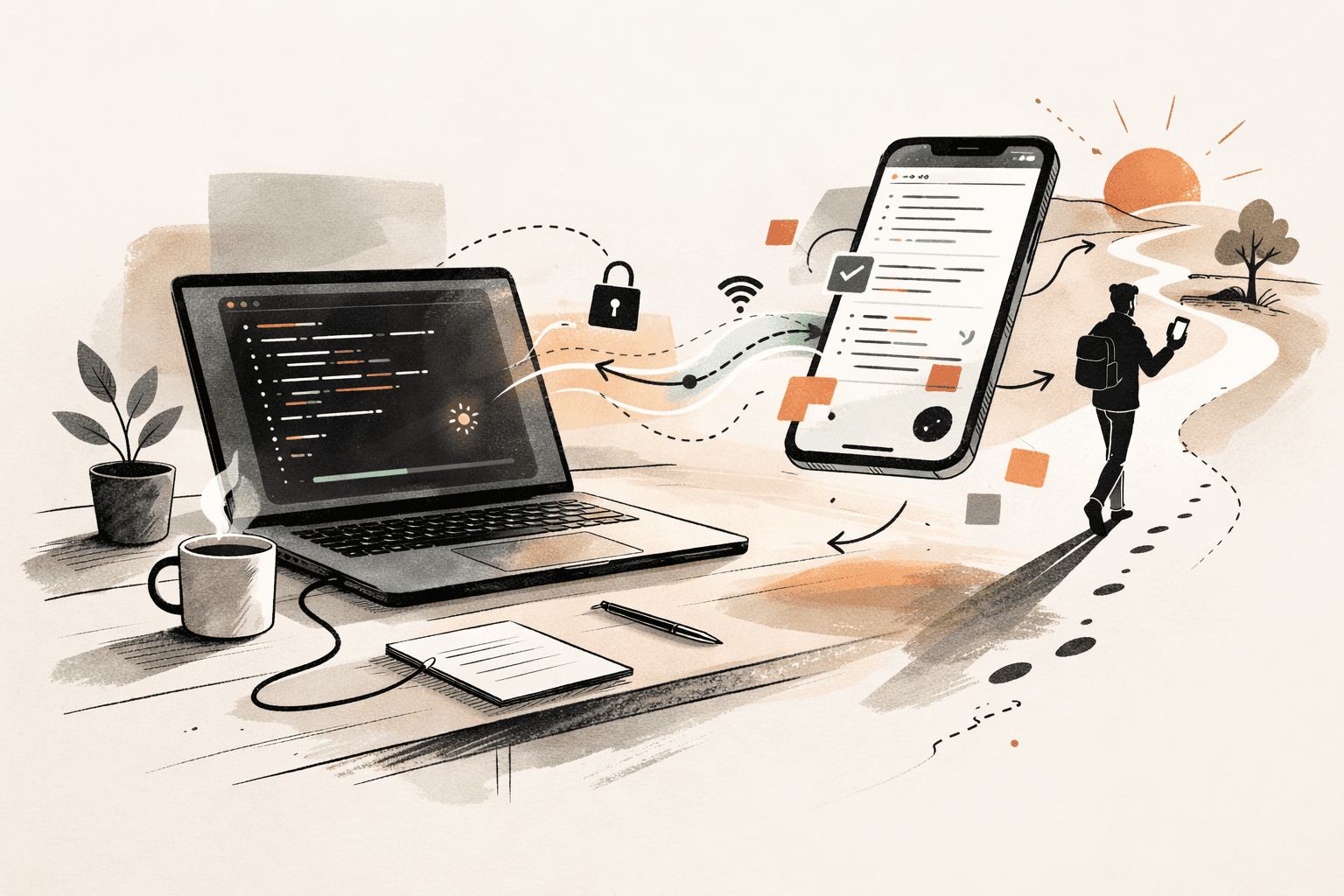
There is a specific kind of frustration that every developer who uses AI coding tools knows intimately. You start a complex task — a big refactor, a migration, a build that keeps failing — and Claude is in the middle of working through it. Forty files deep. Making progress. And you need to leave your desk.
You close your laptop. The session dies. The context is gone. You start over when you get back.
As of today, that problem is solved. Anthropic just shipped Remote Control for Claude Code — the ability to start a task in your terminal and keep full control of it from your phone, your tablet, or any browser. Your code never leaves your machine. The phone is just a window into the session still running on your laptop.
I've been using it since it dropped this morning. Let me walk through what it actually is, how it works, why it matters, and the things the announcement doesn't mention.
Remote Control is a synchronization layer between your local CLI and the Claude mobile app or claude.ai/code web interface. It is not cloud computing. Your code, your filesystem, your environment variables, your MCP servers — all of it stays on your machine. Nothing moves to the cloud.
What it does is create a secure, encrypted bridge so you can see what Claude is doing in real-time from your phone, approve or reject file changes, send follow-up instructions, and monitor long-running sessions — all while your laptop sits at home with the terminal running.
Think of it as a remote desktop for your terminal, purpose-built for AI-assisted coding.
Before this existed, developers were cobbling together workarounds. SSH tunnels via Tailscale. Mobile terminal apps like Termius. Tmux sessions. Ngrok proxies. Some people even built custom WebSocket bridges just to get a responsive mobile UI for their local Claude sessions. All of it was fragile, insecure, and broke constantly.
Remote Control replaces every single one of those hacks with a native, end-to-end encrypted connection that requires zero configuration.
The prerequisites are simple: Claude Code v2.1.52 or later, a Claude Max subscription ($100–200/month — Pro access is coming), and the Claude mobile app on your phone.
Then you do this:
claude remote-controlOr if you're already in a session and want to make it remote:
/rcThat's it. Your terminal shows a session URL and a QR code. Scan it with your phone. You now have full control of the session from anywhere. Walk away.
A few useful details: press spacebar in the terminal to toggle the QR code display. Use /rename before /rc to give the session a descriptive name so you can find it easily across devices. And if you want Remote Control enabled for every session automatically, run /config and toggle "Enable Remote Control for all sessions."
This is the part that matters if you care about security — and you should.
When you run claude remote-control, your machine initiates an outbound HTTPS connection to Anthropic's API. No inbound ports are opened. Your computer is never exposed to the open internet. Instead, your local machine polls the API for instructions. When you connect from your phone, the server routes messages between the mobile client and your local session over a streaming connection.
All traffic is encrypted over TLS. The connection uses multiple short-lived credentials, each scoped to a single purpose and expiring independently. Your files and MCP servers never leave your machine — only chat messages and tool results flow through the encrypted bridge.
This is a fundamentally different architecture from something like Cursor's cloud agents, where your code actually moves to cloud VMs. With Remote Control, your code stays local. The phone is just a viewport.
Here's how I've actually been using it:
The long refactor. I started migrating a component library to a different styling approach. Told Claude what to do, it began working through dozens of files. Instead of sitting there watching for twenty minutes, I ran /rc, went to make coffee, and checked progress on my phone. Claude was on file 23 of 40. I spotted something wrong in a diff — tapped to reject that change and gave Claude a correction. Back at my desk, the session was right where I left it.
The background debug. A build had been failing intermittently. Claude was investigating, reading logs, trying fixes. I needed to step away. Enabled Remote Control, left, and checked from my phone — Claude had found the issue. I approved the fix from the couch. By the time I sat back down, CI was green.
Multiple projects. You can run separate Claude Code sessions — one fixing a production bug, one writing tests, one doing a dependency upgrade — each with its own Remote Control session. From your phone, you switch between them like switching between chat threads.
The common thread: you stop being chained to your desk while the AI works. That sounds small. It isn't.
After a full day of usage, here are the things the announcement leaves out.
Terminal close kills the session. Sleep is fine — the session pauses and reconnects when your machine wakes up. But if the terminal process actually exits — your laptop hibernates, your power settings kill the process — the session is dead. Configure your laptop to sleep, not hibernate. Use tmux as a safety net if you're paranoid.
Session URLs are passwords. Anyone with your session URL has full control of that Claude session, including the ability to approve file changes on your machine. Treat the URL like a credential. Don't paste it in Slack. Don't screenshot it and post it on Twitter.
Your machine must stay running. This is not cloud computing. If your home WiFi dies, the session pauses until connectivity returns. Auto-reconnect works well — up to about ten minutes of outage — but Claude isn't doing work while it's disconnected.
Mobile is for monitoring, not deep review. The app shows the full conversation and diffs, and it's great for approvals, rejections, and quick instructions. But reviewing fifty lines of code on a phone screen is still reviewing fifty lines of code on a phone screen. For detailed review, you want your desk.
Max-only for now. At $100–200/month, this is a premium feature. Pro plan ($20/month) access is coming, but there's no timeline. Team and Enterprise plans are not supported during this research preview.
Remote Control lands at an inflection point for Claude Code. The numbers are staggering: $2.5 billion annualized run rate as of this month — more than doubled since the start of the year. Twenty-nine million daily installs of the VS Code extension. Recent analysis suggests that 4% of all public GitHub commits worldwide are now authored by Claude Code.
Anthropic is experiencing what it internally calls its "ChatGPT moment" for Claude Code. And they're leaning into it.
Noah Zweben, Claude Code's product manager, framed Remote Control as a lifestyle feature rather than a technical one:
"Take a walk, see the sun, walk your dog without losing your flow."
After using it, I agree with the framing. The value isn't in some new technical capability. It's in removing a friction point that was so constant we'd stopped noticing it. The friction of being physically tethered to your desk while an AI agent works on your behalf. That friction is now gone.
The move from desktop to mobile terminal control signals something broader about where software development is heading. We are entering an era where AI tools are writing roughly 41% of all code. For developers, this translates to a shift from line-by-line typing to strategic oversight.
The barrier between "idea" and "production" is collapsing. A single developer can now manage complex systems that previously required entire teams. And with mobile-tethered agents, they can do it from anywhere.
The definition of "software engineer" is being rewritten. Not by replacing developers, but by changing what the job actually looks like day to day. Less sitting at a desk typing. More thinking, reviewing, directing.
Remote Control is a small feature in scope. But it represents a large shift in how we relate to our tools. The AI works. You supervise. And you don't need to be in the same room to do it.
That changes more than you'd think.
Anthropic's new Remote Control feature for Claude Code lets developers start coding tasks on their laptop and then monitor, approve changes, and give instructions from their phone or any browser, keeping the actual code securely on their local machine.